Samba AD and the Corporate Desktop - Is Linux Finally Ready?
Introduction
Just hear me out: when it comes to backend servers—the ones tucked away behind locked doors with cold air blowing through the racks—Linux has long held a strong and respected presence. It’s reliable, powerful, and trusted in the datacenter.
But on the corporate desktop? Linux, for lack of a better phrase, is still sitting at the kids’ table. I remember being an early teen, stuck at that smaller table during family gatherings, watching the grown-up table and wondering if there was ever going to be a seat open for me. That’s what Linux feels like in the corporate desktop space—stuck. And meanwhile, Windows? Windows gets a full seat at the grown-up table without question.
Why is that?
📑 Table of Contents
- Introduction
- Active Directory
- What Is Samba AD?
- 🛠️ Group Policy Overview with
samba-tool gpo - How It Works
- 🤔 Is This Needed?
- ✅ Conclusion
- 🚀 Coming Soon: A Small Office, All-Linux Solution
Active Directory
Active Directory (AD) gives enterprises a powerful way to control who can log into devices and what they can do once authenticated. It provides an almost instantaneous method for granting or revoking access to systems across the network.
Combined with Group Policies (GPO), AD gives Windows devices a significant edge when it comes to enforcing consistent, organization-wide security. At the heart of this system is the Domain Controller—a centralized authority that can coordinate authentication and policy enforcement across an entire network.
Linux may have all the right applications, robust security models, and flexibility, but if it can’t integrate seamlessly with AD and GPO, it’s unlikely to earn a place at the grown-ups’ table in corporate environments.
So, that leads to an important question: what about Samba AD and Kerberos?
What Is Samba AD?
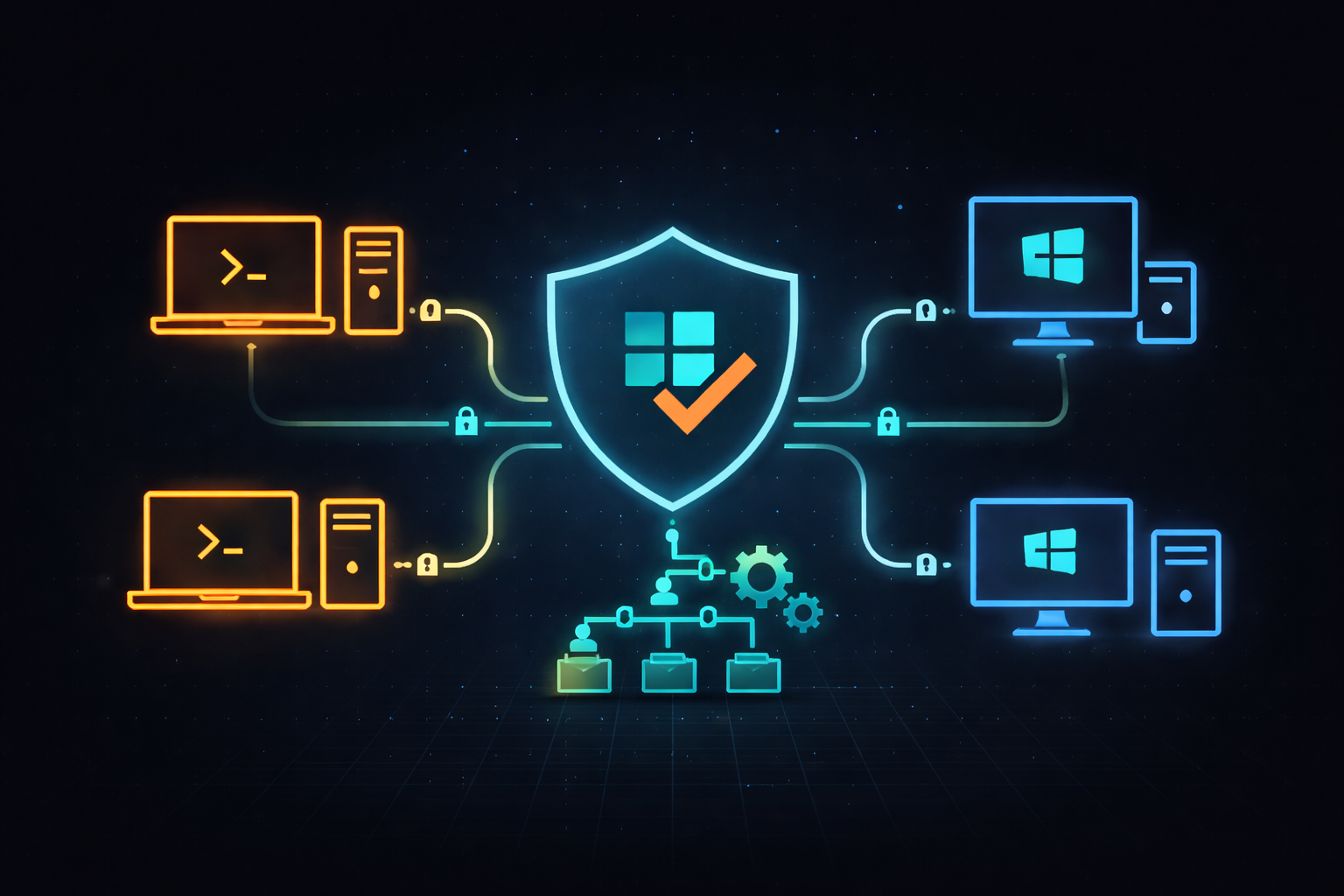
Samba Active Directory (Samba AD) is an open-source implementation of Microsoft’s Active Directory Domain Services that runs on Linux. It allows a Linux server to operate as a Domain Controller (DC), providing centralized authentication, authorization, and directory services that are fully compatible with Windows environments.
With Samba AD, users and groups can be managed at the domain level, and remote devices—whether Windows or Linux—can authenticate against the domain, even if the user doesn’t have a local account on the device.
At the heart of this setup is Kerberos, the authentication protocol that enables secure, single sign-on access across the network. By combining Samba AD with Kerberos, Linux can participate in—or even lead—a domain infrastructure, offering the same centralized control and ease of access that enterprises expect from traditional Windows-based Active Directory environments.
🛠️ Group Policy Overview with samba-tool gpo
Samba includes basic Group Policy Object (GPO) management through the samba-tool gpo command. While not as feature-rich as Windows GPO management via RSAT, it allows you to create, link, and manage GPOs from the command line.
You can apply policies such as login restrictions, password settings, user rights assignments, and login scripts to organizational units (OUs) or specific groups. For advanced policy editing, you can manage Samba GPOs using a Windows system joined to the domain and the Group Policy Management Console (GPMC). This makes it possible to enforce consistent policy settings across both Windows and Linux clients in a hybrid environment.
How It Works
If you don’t already have a Windows-based Active Directory server, you can build your own Domain Controller using Samba AD on a Linux server. This allows you to replicate much of the functionality of a Windows AD environment without needing any Windows infrastructure. While some distributions like Oracle Linux 9 may pose compatibility challenges, Ubuntu has proven to be a stable and widely supported option for deploying Samba in AD Domain Controller mode.
Once set up, Samba AD enables you to create a full Active Directory forest, including:
- User and group management
- Group-based access assignments
- Device registration to the domain (Windows and Linux clients)
- Centralized control over which users or groups are allowed to access domain-joined systems
After devices are joined to the domain, users can authenticate against the central Samba DC, eliminating the need to manage separate local accounts on every system.
👉 Need help configuring users, groups, devices, and access? See the Samba AD User & Group Management Guide for a full walkthrough.
🤔 Is This Needed?
From a server perspective—where user interaction with the OS is minimal—Linux continues to be a powerhouse. It’s stable, secure, and highly customizable. And while there are many excellent Linux desktop distributions available today, widespread enterprise desktop adoption still lags far behind.
Android has proven that, with the right interface, users can use Linux daily without even realizing it. But despite that, the “Year of the Linux Desktop”—a phrase that’s been repeated for over a decade—never quite arrived. Maybe the question now is: “Is this the year businesses adopt Linux as their primary desktop platform?”
There are signs of change. Small and midsize businesses are actively looking to reduce costs, regain control, and avoid vendor lock-in. SaaS has shifted many business workflows to the browser, reducing reliance on OS-specific applications. But there are still cases where full system integration is necessary—development environments, compliance-bound systems, or apps that just don’t live in the cloud.
So why ask the question again?
- Linux runs well on low-end hardware, avoiding the upgrade cycles forced by OS vendors.
- System logging is simple and centralized with tools like
journalctl. - Built-in security features like SELinux, AppArmor, and Auditd provide real enterprise-grade protections.
- Multi-user support on Linux is not an afterthought—it’s foundational.
Still, Linux desktops remain mostly in the background. People use what they know, and for most, that’s Windows—especially at work. And enterprises need more than a good desktop: they need central control, like what Active Directory and GPO provide.
✅ Conclusion
Samba Active Directory closes a critical gap in enterprise Linux deployments. By providing AD-compatible authentication, user and group management, and centralized policy enforcement, Samba allows Linux systems to join—or even replace—traditional AD environments.
If Linux is to move beyond the server room and become a viable business desktop, it needs more than just strong apps and user interfaces. It needs to integrate into the infrastructure businesses already rely on.
Samba AD makes that possible.
No, it may not make next year the year of the Linux desktop. But it may finally make it the year your organization seriously considers it.
🚀 Coming Soon: A Small Office, All-Linux Solution
In future posts, I’ll be exploring how to build a complete small office IT environment using only open-source tools—centered around Samba AD.
This series will walk through:
- 🧩 User & Group Management with Samba AD
- 📁 Shared Network Drives using Samba Shares
- 🖨️ Network Printing via CUPS
- 💻 Linux Desktops configured for domain login and seamless access
The goal? To show how small teams and businesses can run secure, efficient, and centralized infrastructure—without Windows servers or third-party directory services.
Stay tuned for the first post in the series!
➕ Want More?
- 🔧 Samba AD User & Group Management Guide: Learn how to set up users, groups, and device joins in a real-world project scenario.
- 📘 Samba AD – Technical Considerations & Common Questions: Answers to practical deployment and integration questions (SSH, GPO, password policies, etc.).