Bringing Prometheus Monitoring to the Linux Corporate Desktop
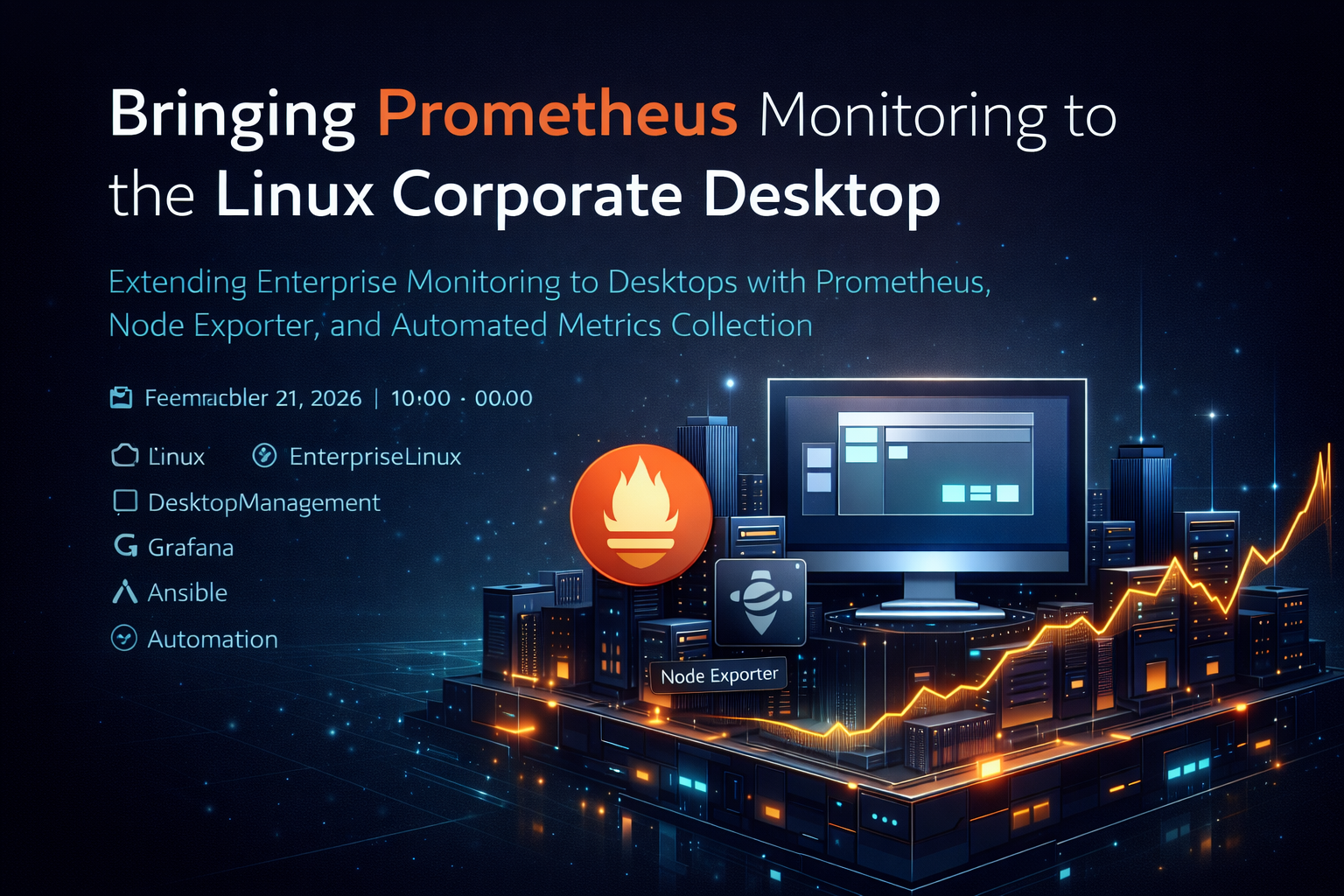
“You can’t manage what you can’t measure.” — Peter Drucker
When I started thinking about Linux as a serious corporate desktop, one thing became obvious pretty quickly: we already have a mature monitoring stack on the server side. Why not use it on the desktop too?
Tools like AIDE, Prometheus, Loki, and Grafana are common in backend infrastructure. They’re trusted, battle-tested, and already integrated into operational workflows. Extending that same tooling to corporate desktops isn’t adding complexity — it’s creating consistency.
For this project, Grafana will eventually be the visualization layer. But dashboards don’t create insight on their own. First, you need reliable, structured metrics.
That’s where Prometheus comes in.
Table of Contents
- What Prometheus Actually Brings to the Table
- Making Prometheus Part of the Infrastructure
- Extending Monitoring to Desktops
- Organizing What You Collect
- Using Prometheus Before You Even Touch Grafana
- Addressing the Security Reality
- Why This Actually Matters
📊 What Prometheus Actually Brings to the Table
At a basic level, system administration is about visibility. You need to know:
- Is the system healthy?
- Are resources being exhausted?
- Is something behaving differently than it did yesterday?
Monitoring usually falls into three areas:
- Log aggregation – what happened?
- Intrusion detection – who did what?
- Performance monitoring – how is the system behaving right now?
Prometheus lives in that third category. It collects time-series metrics like CPU usage, memory consumption, disk I/O, and network traffic. Instead of reading logs after something breaks, you can see trends forming before problems escalate.
It works using a pull model. Each system runs a lightweight agent called node_exporter, which exposes metrics over HTTP. The Prometheus server then scrapes that data at regular intervals and stores it.
The architecture is simple. And that simplicity makes it scalable.
🔧 Making Prometheus Part of the Infrastructure
Rather than manually installing Prometheus and calling it done, the goal was to make it part of the infrastructure lifecycle.
Deployment was automated using Ansible. That included:
- Creating a dedicated Prometheus user and group
- Setting up configuration and data directories
- Installing a systemd service
- Opening port 9090 for controlled web access
Once running, the web interface gives immediate feedback about targets and collected metrics.
But more importantly, automation means Prometheus isn’t a one-off tool. It becomes embedded into the environment — just like DNS, authentication, or configuration management.
🖥️ Extending Monitoring to Desktops
The environment includes Fedora Kinoite desktops alongside Ubuntu and Rocky Linux servers. The objective was straightforward: everything should be observable.
On the Kinoite desktops, node_exporter was added directly into the OSTree build. The service is enabled during the image build process, and firewall rules are configured so only the Prometheus server can access port 9100.
When users reboot into a new image, monitoring is already active.
On backend servers, Ansible handles installation and firewall configuration. No manual steps. No drift.
At this point, servers and desktops are being treated the same way — as infrastructure components that expose metrics.
And that shift in mindset is important.
🏷️ Organizing What You Collect
Collecting metrics is one thing. Making sense of them is another.
Prometheus uses labels to organize systems. In this setup, a file-based service discovery configuration defines hosts and attaches metadata such as:
- Environment (prod or dev)
- Role (db, ssh, firewall, etc.)
- Site
- VLAN
- Operating system
- Hypervisor
Those labels turn raw host metrics into structured infrastructure data.
Later, when building dashboards or running queries, you can filter by environment, location, or role instead of manually selecting hosts. That makes monitoring scalable as the environment grows.
Structure early. Benefit later.
🔍 Using Prometheus Before You Even Touch Grafana
It’s easy to think of Prometheus as just the data source for Grafana. But even on its own, it’s incredibly useful.
The built-in web interface allows you to run PromQL queries and instantly graph results. That means during troubleshooting, you can quickly answer questions like:
- Did CPU spike at 10:00 AM?
- Has memory been climbing steadily?
- Is disk I/O abnormal?
- Did network usage change after a deployment?
Because Prometheus stores time-series data, you’re not just seeing the current state — you’re seeing patterns.
That historical visibility changes how you respond to issues. Instead of reacting blindly, you investigate with data.
🔒 Addressing the Security Reality
Now for the uncomfortable part.
Out of the box, Prometheus and node_exporter expose HTTP endpoints without authentication or encryption. Prometheus typically listens on port 9090, and node_exporter on port 9100.
They don’t provide shell access. But they do expose system intelligence — kernel versions, filesystem details, memory stats, running processes, and more.
In the wrong hands, that information could help someone profile your environment.
So security needs to be intentional.
At a minimum:
- Node exporter endpoints should only be reachable from the Prometheus server.
- Port 9100 should be restricted via host firewall rules.
- The Prometheus web interface should only be accessible from internal administrative systems.
- Ideally, Prometheus runs inside a management or restricted VLAN.
You can layer on TLS, reverse proxies, and authentication if required. But even strong network segmentation goes a long way.
Monitoring improves visibility. It shouldn’t increase exposure.
🎯 Why This Actually Matters
Traditionally, enterprises monitor servers and largely ignore desktops.
But if Linux is going to be positioned as a serious corporate desktop platform, it needs to participate in the same operational model as the rest of the infrastructure.
Monitoring desktops provides:
- Early detection of resource exhaustion
- Visibility into abnormal behavior
- Capacity planning insight
- Consistency across the Linux estate
More importantly, it removes blind spots.
When servers and desktops feed metrics into the same monitoring platform, you stop thinking in terms of “endpoints” versus “infrastructure.” Everything becomes part of a unified telemetry layer.
That’s not just about dashboards.
It’s about moving from reactive troubleshooting to proactive operations.
And if Linux on the desktop is going to compete in enterprise environments, that level of visibility isn’t optional — it’s expected.
Part of a Larger Journey
Over the next 3-6 months, I plan to build out this environment and document the process through a series of articles covering:
- Article 1: Introduction - Why this project matters and what Linux can offer businesses
- Article 2: Proxmox Virtualization Best Practices - Setting up a robust virtualization foundation
- Article 3: Making Linux Work as a Corporate Desktop
- Article 4: OS Updates on the Corporate Linux Desktop
- Article 5: Enterprise Desktop Update Lifecycle with Kinoite
- Article 6: Bringing Prometheus Monitoring to the Linux Corporate Desktop (this article)
- Articles 7-12: SMB Infrastructure Planning, Ansible Automation, Core Services (AD/File/Print), Desktop Environment, and Security Hardening
My goals are to:
- Help business owners understand that there are viable alternatives for securing their systems
- Highlight what Linux-based systems are capable of in real-world business environments
- Provide practical tools, configurations, and guidance for users who are new to Linux as well as experienced IT professionals
- Continue developing my own skills in Linux-based security and infrastructure design
Call to Action
Whether you’re evaluating alternatives to expensive licensing, building your first Linux infrastructure, or simply curious about enterprise security on open-source platforms—I’d love to hear from you.
If you are a business owner, system administrator, or IT professional interested in improving security without relying solely on expensive licensing and third-party tools, I invite you to follow along. Experiment with these ideas, ask questions, challenge assumptions, and share your experiences. Together, we can explore what a secure, Linux-based business environment can look like in practice.
Need Linux expertise? I help businesses streamline servers, secure infrastructure, and automate workflows. Whether you’re troubleshooting, optimizing, or building from scratch—I’ve got you covered. 📬 Drop a comment or email me to collaborate. For more tutorials, tools, and insights, visit sebostechnology.com.
☕ Did you find this article helpful? Consider supporting more content like this by buying me a coffee: 