Making Linux Work as a Corporate Desktop
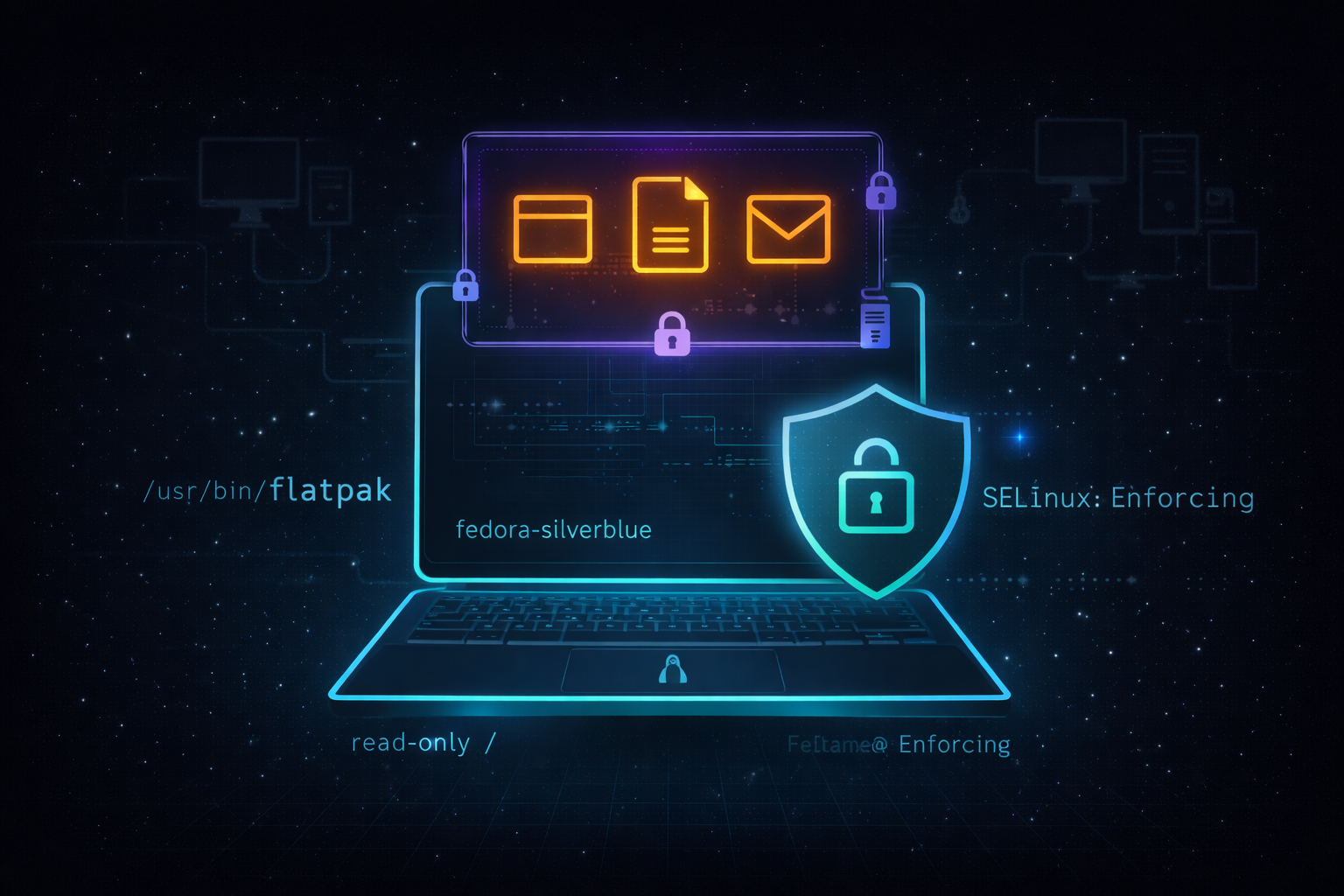
Making Linux Work as a Corporate Desktop: It Starts with Usability and Security
One thing users have taught me over and over again: They don’t really care what’s installed on their device—they just want to get to their work, fast and without confusion.
I’ve worked on projects that delivered exactly what users asked for. I’d demo the features, walk through the setup, and explain how it all worked. But more often than not, I’d look up to see their faces completely blank. Then I’d hand the device over for them to try it out themselves—and get hit with the question:
“How do I use this?”
That moment tells you everything.
The excitement doesn’t begin until there’s a clear icon on the screen, a shortcut in the taskbar, or a menu item they recognize. That’s when the tool becomes real for them.
If Linux is going to compete as a corporate desktop, it needs to answer two key questions:
- Will the business-critical app work on it?
- Can the user use it effectively, without getting lost or frustrated?
Whether the critical app works is something that has to be evaluated case by case. But usability? That’s a broader issue—and one we can actually address across the board.
Why an Immutable Distro Matters
These days, you’re just one free charging cable away from a potential security incident.
What used to be a sketchy USB stick left in a parking lot is now a cable with embedded malware—something that looks harmless, useful even, but can quietly compromise a system the moment it’s plugged in. As attack vectors continue to evolve and AI‑driven threats become more sophisticated, endpoints are increasingly becoming the easiest target.
Traditional desktop models assume the system can be modified freely, patched after the fact, or cleaned up once something goes wrong. In corporate environments, that approach doesn’t scale—and it definitely doesn’t age well.
That’s where immutable distributions start to make a lot of sense. By design, the base system is read-only and changes are intentional, controlled, and traceable. Unauthorized modifications simply don’t stick. If something does go wrong, rollback is fast and predictable, often requiring nothing more than a reboot.
More importantly, immutability helps enforce consistency across devices. Every system looks the same, behaves the same, and can be trusted to be in a known-good state. In a corporate environment where control, reliability, and a reduced attack surface are critical, that’s not just a nice feature—it’s a requirement.
Why Fedora Silverblue Strikes the Right Balance
When evaluating Linux for a corporate desktop, security had to be built-in, not bolted on later. That quickly narrowed the field to distributions with strong default security models and proven track records. On top of that, SELinux wasn’t optional—it was a requirement.
Sure, SELinux can be a bit rigid at times, but that rigidity is often exactly what’s needed in a corporate environment. Its deep, system-level enforcement and auditing capabilities provide a level of control that’s difficult to achieve any other way, and they play a critical role in maintaining a strong security posture.
That’s where Fedora Silverblue really stood out. With an immutable file system and SELinux enabled by default, it delivers a locked-down, consistent desktop that’s ready for enterprise use right out of the box—without constant tuning or customization.
Just as important, Silverblue manages to do this without getting in the user’s way. It strikes a practical balance: strong control and consistency for IT, paired with a stable, predictable experience for users.
Of course, securing the base OS is only half the story—application delivery needs to follow the same principles of isolation, control, and ease of use. That’s where Flatpak comes in.
Flatpak: Sandboxed Apps with Control and Flexibility
If you’ve been in the Linux space for a while, you already know Flatpak isn’t new—it’s been around for over 8 years now. But its relevance has only grown, especially in environments where security and flexibility need to coexist.
Flatpak allows applications to run in a sandboxed environment, separated from the base system. Apps can be installed system-wide (shared across users) or per-user (living entirely in the home directory), giving IT teams and end users different layers of flexibility.
One of the standout features of Flatpak is the ability to create and manage local Flatpak repositories. For corporate environments, this is a game changer.
With local repos, you can:
- Build a curated list of approved apps
- Test packages internally before pushing them into production
- Ensure consistency across developer, testing, and production devices
- Block unapproved or unknown apps from being installed
Once a device is in production, you can lock it down so that only apps from your internal Flatpak repo are installable. That gives the organization a higher level of security—while still allowing users the flexibility to install what they need from an approved list.
This model helps strike the right balance: IT keeps control; users stay productive.
A Linux Desktop We Actually Need
Linux already has the technical foundation to thrive in enterprise environments—and in many cases, it already does. But making it a trusted, user-friendly corporate desktop requires careful attention to three key pillars:
- Usability – It needs to be approachable. If users can’t figure it out, it’s already failed.
- Security – Locking down systems proactively, not reactively.
- Manageability – Centralized control without sacrificing productivity.
Technologies like Fedora Silverblue, Flatpak, and SELinux aren’t just optional—they’re part of a blueprint for building a secure, modern desktop that’s ready for corporate environments.
We don’t need to make Linux mimic Windows. We just need to make it familiar, stable, secure, and effective—so it works for users and IT alike.
The tools are already here. It’s time to start putting them together.
What’s Next
Over the next 3-6 months, I plan to build out this environment and document the process through a series of articles covering:
- Article 1: Introduction - Why this project matters and what Linux can offer businesses
- Article 2: Proxmox Virtualization Best Practices - Setting up a robust virtualization foundation
- Article 3: Making Linux Work as a Corporate Desktop
- Article 4: OS Updates on the Corporate Linux Desktop
- Article 5: Enterprise Desktop Update Lifecycle with Kinoite
- Article 6: Bringing Prometheus Monitoring to the Linux Corporate Desktop
- Articles 7-12: SMB Infrastructure Planning, Ansible Automation, Core Services (AD/File/Print), Desktop Environment, and Security Hardening
My goals are to:
- Help business owners understand that there are viable alternatives for securing their systems
- Highlight what Linux-based systems are capable of in real-world business environments
- Provide practical tools, configurations, and guidance for users who are new to Linux as well as experienced IT professionals
- Continue developing my own skills in Linux-based security and infrastructure design
Call to Action
Whether you’re evaluating alternatives to expensive licensing, building your first Linux infrastructure, or simply curious about enterprise security on open-source platforms—I’d love to hear from you.
If you are a business owner, system administrator, or IT professional interested in improving security without relying solely on expensive licensing and third-party tools, I invite you to follow along. Experiment with these ideas, ask questions, challenge assumptions, and share your experiences. Together, we can explore what a secure, Linux-based business environment can look like in practice.
Need Linux expertise? I help businesses streamline servers, secure infrastructure, and automate workflows. Whether you’re troubleshooting, optimizing, or building from scratch—I’ve got you covered. 📬 Drop a comment or email me to collaborate. For more tutorials, tools, and insights, visit sebostechnology.com.
☕ Did you find this article helpful? Consider supporting more content like this by buying me a coffee: Buy Me A Coffee Your support helps me write more Linux tips, tutorials, and deep dives.