Linux for Business - Exploring Enterprise Security at Small Business Scale
“The most dangerous phrase in the language is, ‘We’ve always done it this way.’” — Grace Hopper
A few years ago, I had an idea for a project focused on building a Linux-based business setup that small to medium-sized businesses could realistically use. The original goal was to create a zero-cost desktop environment built entirely on open-source software. At the time, however, there were several fundamental problems with this approach.
- While Linux itself was a solid operating system, the desktop ecosystem still needed time to mature.
- I was viewing the problem primarily through the lens of which applications could run on Linux, rather than considering what a complete Linux-based infrastructure could provide for an entire office.
- I was also overly focused on the idea of “zero cost” instead of the broader business value and benefits. Ultimately, the biggest limitation was my own skill set—I needed to mature technically before the project could become viable.
I believe I am now at a point where I can properly tackle this idea, but the key question remains: does business actually need this?
Note: In this article, I use the term Linux to refer to a Linux-based distribution. While this is not technically precise—since Linux itself is the kernel rather than the full operating system—I use the term for simplicity and readability.
Table of Contents
- What Does Linux Have to Offer Business?
- Why Corporate Security Matters
- What Does Linux Offer?
- Is This Overkill?
- What’s Next
What Does Linux Have to Offer Business?
I want to address a common myth upfront: while open-source software is free to use, it is not free from a business perspective. Any money saved on licensing fees must be invested elsewhere, primarily in learning and operational effort. This includes learning how to properly deploy and maintain Linux systems, understanding the limitations of open-source applications (for example, what tools like GIMP cannot do compared to Photoshop), and training employees to become productive with new workflows—down to small but impactful differences such as keyboard shortcuts and copy/paste behavior.
Given these challenges, why should businesses care at all? The answer is security.
A fresh installation of either Windows or Linux will have security concerns, but Linux—particularly on the server side—already includes tools that are explicitly designed to address them. This shifts the focus away from the idea of a zero-cost desktop and toward a more compelling and realistic model: a low-cost, security-focused corporate office infrastructure. That is the project I am working toward.
Why Corporate Security Matters
One concern that all businesses share, whether they openly acknowledge it or not, is how to prevent unauthorized access to sensitive data. For very small companies with only one or two computers, this may seem like a minor issue. However, as a business grows and develops departments such as HR and finance, security quickly becomes critical.
For example, an HR manager accidentally sharing payroll spreadsheets with the entire company, or a finance employee’s laptop being stolen with unencrypted tax documents. These scenarios may seem unlikely, but they happen more often than businesses want to admit—and the consequences can be severe.
Protecting sensitive information includes safeguarding customer data that may be subject to legal and regulatory requirements, as well as intellectual property that provides competitive advantage. At the enterprise level, Windows environments typically rely on a domain controller using Active Directory and Group Policy Objects as their core security and management tools. File shares and print servers integrate tightly into this ecosystem.
The key question then becomes: what can Linux offer small to medium-sized businesses that provides comparable capabilities?
What Does Linux Offer?
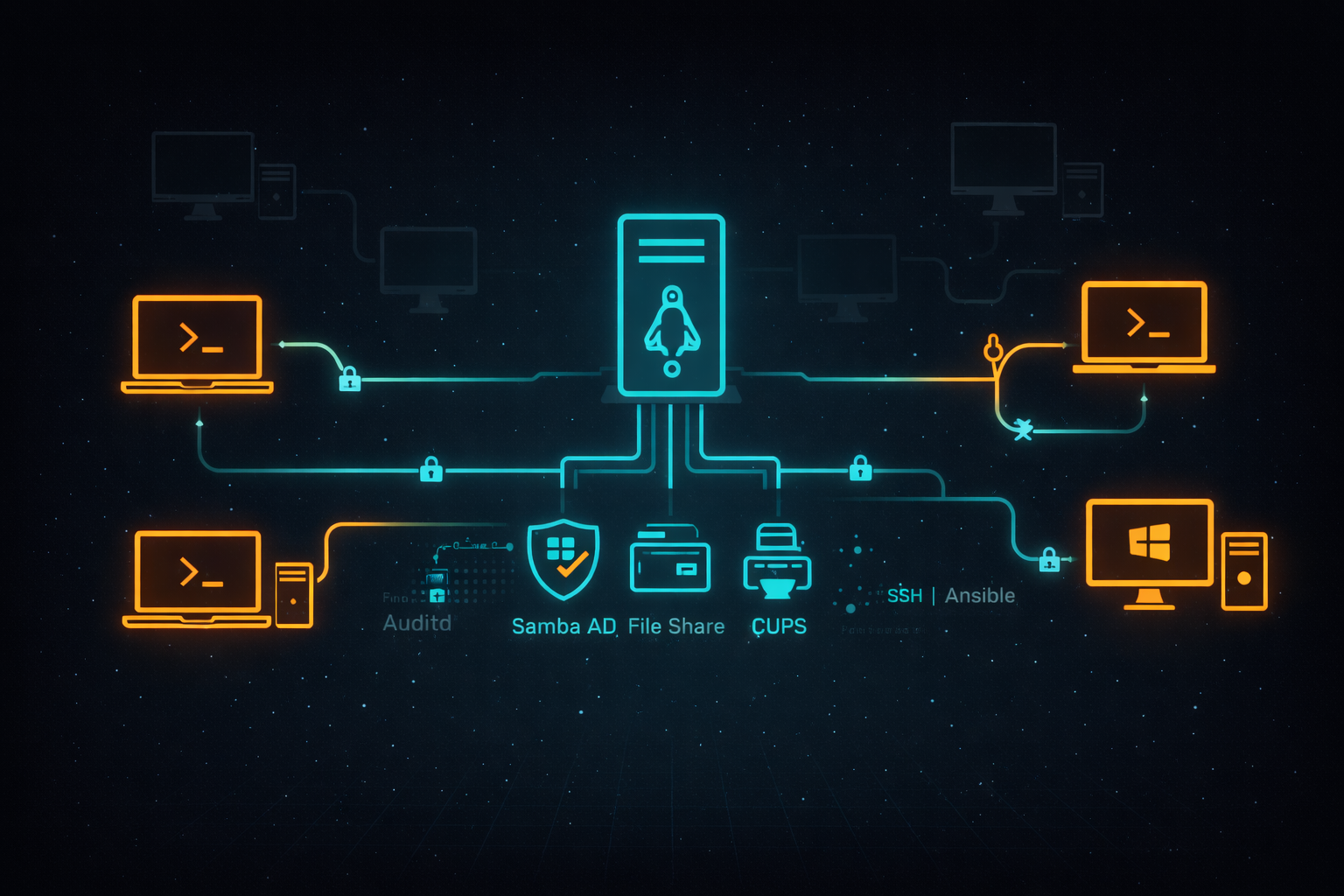
Linux provides several mature and well-tested tools that directly address these needs. Samba Active Directory allows Linux servers to provide centralized authentication and access control similar to a Windows domain controller, including limited Group Policy functionality. Samba can also be used to create centralized file shares, while CUPS manages printers and print services.
Where Linux truly stands out is in the depth and flexibility of its security model. It offers extensive file permission mechanisms such as Discretionary Access Control (DAC), Access Control Lists (ACLs), and Mandatory Access Control (MAC). Local firewalls can be configured on each desktop, effectively turning every workstation into its own zero-trust zone. Tools like Ansible and SSH allow for secure, centralized deployment, configuration, and maintenance of systems. Mandatory access control systems such as SELinux and AppArmor further protect data by enforcing strict security boundaries, while Auditd enables detailed monitoring of file and device access. Additional tools can be layered on to provide intrusion detection, vulnerability scanning, and centralized log monitoring.
Together, these capabilities form a strong foundation for a secure, scalable Linux-based business environment.
Is This Overkill?
The honest answer is yes—and no.
Some features, such as intrusion detection and vulnerability scanning, are increasingly necessary for all businesses, regardless of size. Several factors are driving the need for more complex security systems:
- Regulatory requirements and payment system agreements that emphasize protecting data both at rest and in transit
- Increased reliance on digital data by users, making secure storage and access more critical
- The growing effectiveness of attackers, especially with the assistance of AI-driven tools
As a result, businesses that previously could rely on simpler systems are now finding that additional layers of protection are necessary.
Could the same level of security be achieved using Windows combined with third-party tools, whether free or commercial? Absolutely. One of the greatest strengths of the Windows ecosystem is the wide range of available security applications. However, this can also be a weakness—interoperability, compatibility, and integration between tools can become complex and difficult to manage.
Linux server design practices already include a cohesive set of tools that are designed to work together to enhance security, such as centralized logging with journalctl, SELinux and Auditd for creating custom security roles, DAC/ACL/MAC for fine-grained permissions, SSH and Ansible for remote management, and integrated services like Samba and CUPS. By extending these proven server-side practices to the desktop and connecting systems to a Samba Active Directory server, an enterprise-grade setup can be created without relying heavily on third-party software.
Security Tools Quick Reference
What’s Next
Over the next 3-6 months, I plan to build out this environment and document the process through a series of articles covering:
- Article 1: Introduction - Why this project matters and what Linux can offer businesses
- Article 2: Proxmox Virtualization Best Practices - Setting up a robust virtualization foundation
- Article 3: Making Linux Work as a Corporate Desktop
- Article 4: OS Updates on the Corporate Linux Desktop
- Article 5: SMB Infrastructure Planning - Designing the complete 11-VM environment
- Article 6: Ansible Automation Setup - Building the control server for automated deployments
- Article 7-8: Core Services - Samba Active Directory, file servers, print services, and management tools
- Article 9-10: Desktop Environment - Configuring secure Linux workstations
- Article 11-12: Security Hardening - SELinux policies, firewalls, monitoring, and backup strategies
My goals are to:
- Help business owners understand that there are viable alternatives for securing their systems
- Highlight what Linux-based systems are capable of in real-world business environments
- Provide practical tools, configurations, and guidance for users who are new to Linux as well as experienced IT professionals
- Continue developing my own skills in Linux-based security and infrastructure design
Call to Action
Whether you’re evaluating alternatives to expensive licensing, building your first Linux infrastructure, or simply curious about enterprise security on open-source platforms—I’d love to hear from you.
If you are a business owner, system administrator, or IT professional interested in improving security without relying solely on expensive licensing and third-party tools, I invite you to follow along. Experiment with these ideas, ask questions, challenge assumptions, and share your experiences. Together, we can explore what a secure, Linux-based business environment can look like in practice.